David McMillan
Crypto-enthusiast who explores all the possibilities the blockchain technology suggests
How to Create a Solana (SOL) Wallet
Table of Contents
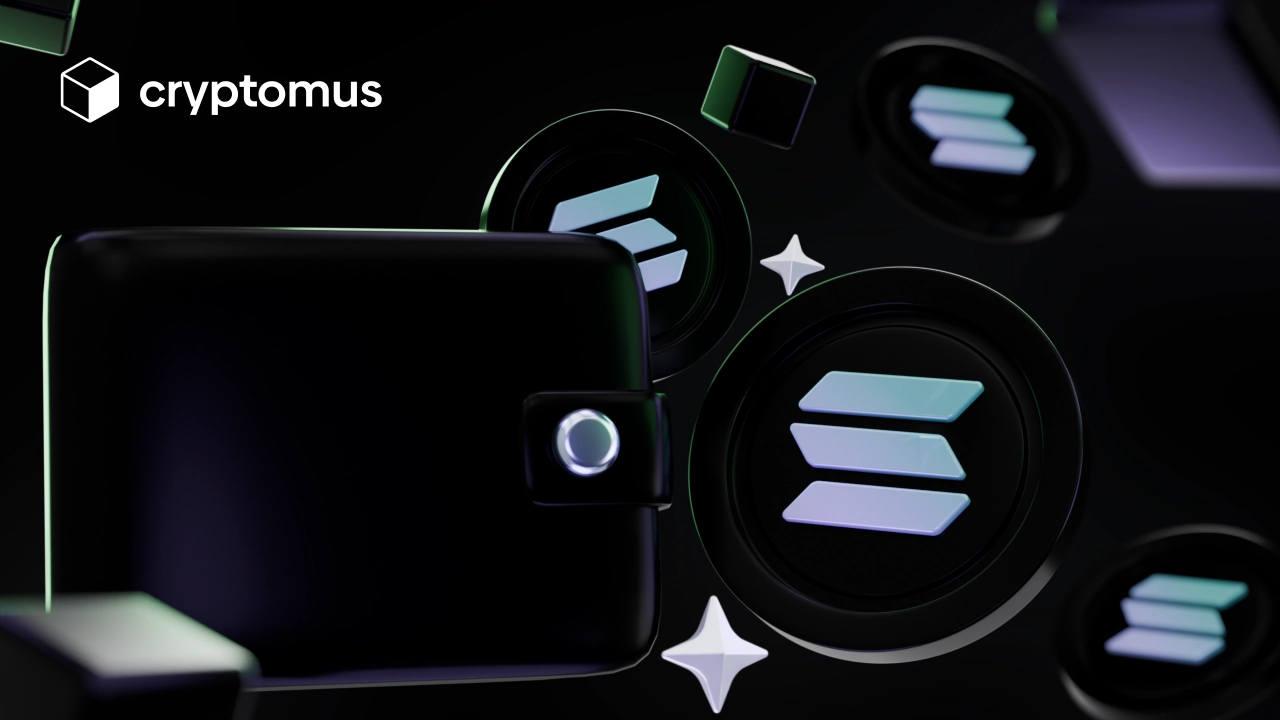
Solana is widely recognized for fast performance and low-cost transactions. To manage your SOL tokens and access the network safely, you’ll need a Solana wallet.
This article will explain what a Solana wallet is, how to set one up, and which providers are worth considering.
What Is a Solana Wallet?
A Solana wallet is a digital tool that allows you to manage SOL and other tokens built on the Solana blockchain. It gives you direct access to the blockchain and allows you to send and receive crypto. Such wallets come in two types:
-
Hot: online wallets made for quick access to funds and simple everyday use.
-
Cold: offline solutions focused on maximum protection for long-term storage.
Hot wallets are often a better fit for beginners or anyone who intends to trade or use crypto frequently. They are easy to use, and modern options come with solid security features to help protect your assets.
What Is a Solana Wallet Address?
A Solana wallet address is a unique string of 43 or 44 characters assigned to your wallet on the Solana blockchain, typically beginning with a random letter or number. It serves as a tool that allows you to manage SOL and other tokens created on the Solana blockchain.
It’s public and can be shared with users you want to receive tokens from. However, only you can access and move the tokens, since you own the private key.
Here’s an example of a Solana wallet address:
’So11JSgBGXtPuLPjQiKy3u5CVuRXVMFnKuUELA2JRNu9x’.
How to Create a Solana Wallet?
The process of creating a wallet may differ slightly depending on the wallet provider you choose, but we’ve covered the general steps involved. There’s a guide on how to create a Solana wallet:
-
Choose a wallet provider. Some wallets are standalone apps built mainly for storing and managing crypto. Others are all-in-one crypto platforms, like Cryptomus, where the wallet comes together with features like payments, trading, converter, and portfolio tracker. Both options are fine—it really depends on how you plan to use your crypto day to day.
-
Download the app or open the website. After that, it’s simply a matter of access. With an app, you download it from the official app store. With a platform, you open the official website and go to the wallet section. The only thing that actually matters here is sticking to official sources—fake apps and copycat websites are still a common trap.
-
Create an account on the platform. When you sign up, the process is usually simple: you enter your email, create a password, and confirm your account. On platforms like Cryptomus, a wallet is created automatically as part of the account after registration.
-
Set up two-factor authentication (2FA). It’s a good idea to turn on 2FA right away. This gives your account an extra layer of protection—even if someone knows your password, they won’t be able to log in without the second code.
-
Complete KYC verification if required. Depending on the platform, you might also need to verify your identity (KYC). It’s a standard step on most crypto platforms and usually takes just a few minutes. Once that’s done, your wallet is ready to go.
Crypto Wallets that Support Solana
When it comes to online wallets that support Solana, you have two types to choose from:
-
Custodial: these handle private key storage for you, making it easier to access your crypto. They also often include tools to manage and use your assets, such as trading, staking, or portfolio tracking.
-
Non-custodial: those give you direct ownership of your private keys, which means greater control but also greater responsibility. You are fully responsible for backups and recovery, and if your keys are lost, you could permanently lose access to your SOL.
The most popular Solana wallets include:
-
Zengo.
-
Solflare.
-
Phantom.
-
Uphold.
Cryptomus might be regarded as the best Solana wallet for beginners due to its user-friendly UI, strong security, and commission-free transfers within the platform. It also supports staking, has a built-in converter, and gives you access to a spot exchange.
How to Make Transactions with Your Solana Wallet?
When your wallet has been set up, you can start using it for transactions. To send tokens to someone, complete the steps below:
-
Open your wallet.
-
Find the “Send” or “Transfer” option.
-
Select the token and network you want to send.
-
Enter the recipient's wallet address.
-
Specify the token amount.
-
Review and confirm by using a 2FA code.
With non-custodial wallets, you need to pay a transaction fee to process a transaction.
In turn, to receive SOL tokens, you’ll need your wallet address. To find it, open a wallet and find a section labeled “Receive”. The address will be displayed here, and you can easily copy it to share with others for accepting SOL tokens.
Now you know how to set up a Solana wallet. Pick a wallet that fits your needs and make sure to use all the available security features.
Comment below to let everyone know about your experience. What are you looking forward to doing with your Solana wallet? We'd love to hear from you!

Simplify Your Crypto Journey
Want to store, send, accept, stake, or trade cryptocurrencies? With Cryptomus it's all possible — sign up and manage your cryptocurrency funds with our handy tools.
Get Started