Ethan Caldwell
Crypto specialist helping make complex crypto technologies easier to understand.
How To Create A Shiba Inu Wallet
Table of Contents
The growing popularity of Shiba Inu has made secure storage more important than ever. The right wallet keeps your funds protected and allows you to access them whenever needed.
This guide will help you make the right choice. We will explain how to pick a wallet provider and help you set it up properly.
What Is a Shiba Inu Wallet?
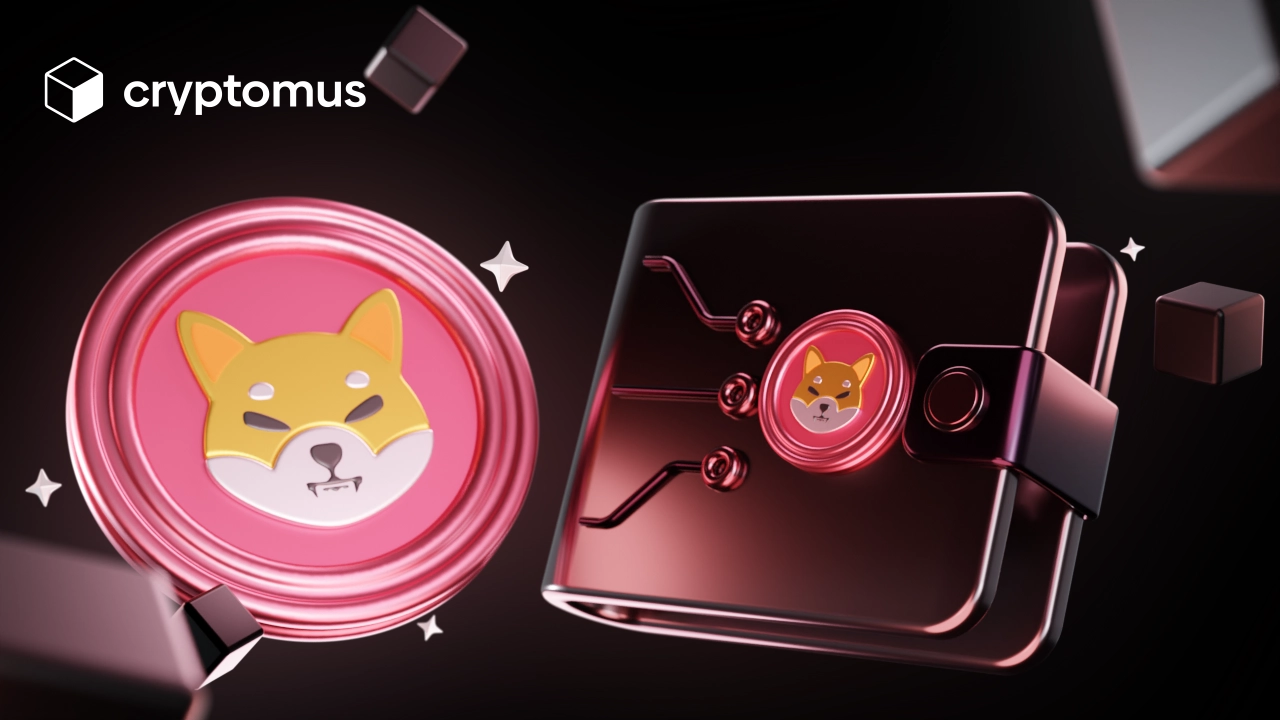
Before we get to detailed explanations, let’s define what a wallet is. A Shiba Inu wallet is a digital wallet used to store and manage SHIB tokens. It allows you to interact with the blockchain by sending and receiving cryptocurrency.
Some wallets go beyond basic storage and offer features like a crypto converter or a built-in exchange. The types of wallets fall under these categories:
-
Hot wallets: these work online and offer convenience for everyday usage.
-
Cold wallets: those are offline devices that provide maximum security for long-term holding.
For frequent trading, hot wallets tend to be more convenient, particularly because today’s services follow strict security standards to protect assets.
What Is a Shiba Inu Wallet Address?
A Shiba Inu wallet address is a tool used to receive SHIB tokens, allowing others to send funds directly to your wallet on the blockchain. Each address is unique and is created as soon as a wallet is set up. The addresses typically start with ‘0x’ and consist of 42 characters. Shiba Inu operates on the ERC-20 standard, it uses an Ethereum address format. An example of a Shiba Inu wallet address looks like this:
’0x1234567890ABCDEF1234567890ABCDEF1234567890’.
You can share this address with everyone who wants to send you crypto. It can also be used for transaction tracking, allowing anyone to verify transfers to and from that address. To locate a wallet address, open the "Receive" section of your wallet and copy it.
How to Create a SHIB Wallet?
The exact steps to create a wallet depend on the platform, but the general process is consistent. You can create a SHIB wallet by following these steps:
- Choose a wallet provider.
- Download the app or go to the website.
- Sign up on the platform.
- Set PIN and enable 2FA.
- Top up your wallet.
Protecting your crypto starts with good security practices. Thus, you must create a strong password and enable 2FA whenever it's available. Keep your wallet software updated to the latest version and store your recovery phrase offline to reduce the risk of unauthorized access.
Crypto Wallets That Support SHIB
Online Shiba Inu wallets generally fall into these categories:
-
Custodial: These wallets store your private keys on your behalf, making it easier to access and manage your SHIB. Many also offer additional features such as trading, staking, and portfolio tracking.
-
Non-custodial: Those let you retain control over your private keys and funds. This increases security and independence, but you'll need to securely store your recovery information to avoid losing access to your tokens.
When it comes to picking a SHIB wallet, you have multiple options that are easy to get lost in. The most popular ones include:
- Cryptomus.
- Uphold.
- eToro.
- Phantom.
- Rabby.
Your wallet choice should align with your investment strategy. The ideal option offers a balance between security, features, and interface.
Cryptomus can be considered the best Shiba Inu wallet because of its simple interface and robust security measures. It also offers a spot exchange, converter, and blockchain explorer.
How to Make Transactions With Shiba Inu Wallet?
After completing the wallet setup, you'll be able to make transactions. To send tokens, follow these steps:
- Access your wallet.
- Choose the “Send” or “Transfer” option.
- Select SHIB as the token and the right network.
- Paste the recipient’s wallet address.
- Enter the amount you want to send.
- Review and confirm by entering a 2FA code.
Keep in mind that in non-custodial wallets, you need to pay a transaction fee to complete a transaction. If you want to receive SHIB tokens, simply copy your wallet address and provide it to the person sending the funds.
Now you’re ready to store and manage SHIB tokens in your wallet. Remember to pick a wallet that aligns with your preferences and employ all the available security options.
We hope this article was helpful. Please send in your thoughts and questions below!


Simplify Your Crypto Journey
Want to store, send, accept, stake, or trade cryptocurrencies? With Cryptomus it's all possible — sign up and manage your cryptocurrency funds with our handy tools.
Get Started