Julian Thorne
Crypto analyst and guide author. Making complex technologies clear for everyone.
How to Create a BNB (Binance Smart Chain) Wallet
Table of Contents
Binance Smart Chain (BSC) is widely used for decentralized applications due to its fast and low-cost transactions. To access BSC, however, you will need a BNB wallet.
This article explains how to create a BNB wallet. It covers important terms, provides clear instructions for setup, and highlights recommended wallet providers.
What Is a BNB Wallet?
A BNB wallet is a special digital storage facility that allows you to securely manage, send, and receive your tokens. These wallets contain the private keys that access your balance, so they cannot be shared with anyone else. Safely storing this data ensures that only you can manage your funds.
The Binance exchange has its own cryptocurrency, BNB, which is an important part of the ecosystem. Holding BNB in your account allows the exchange to offer significant discounts on trading fees. This makes the token very useful for traders, as it allows you to save on every trade.
When it comes to choosing a secure solution for managing your BNB assets, Cryptomus wallet is a solid option. It offers both security and privacy while maintaining an intuitive interface that makes it easy to hold, send, and receive BNB assets. Plus, Cryptomus supports BNB staking and has a handy built-in converter for easy crypto exchanges.
What Is a BNB Wallet Address?
A BNB wallet address is a unique ID used for sending and receiving BNB tokens. It identifies your wallet on the BSC network and is generated automatically when you create a wallet.
This address always appears as a long string of 42 characters (letters and numbers) starting with 0x. Here's an example of a BNB wallet address:
bnb1gruukpxzer4t8xfqgg884zf8grhh2l9tv9nudn2p
You can easily share this address with users who want to send you BNB tokens. If you’re sending tokens yourself, make sure to always double-check the address to avoid sending them to the wrong recipient.
BSC is a layer-2 solution for Ethereum, and it's essentially built on top of Ethereum so they share the same address. However, these are different “roads.” If you send coins from the BSC network directly to an address on Ethereum, the money may be lost. That is why it is always important to check that both you and the sender are using the BEP-20 network specifically.
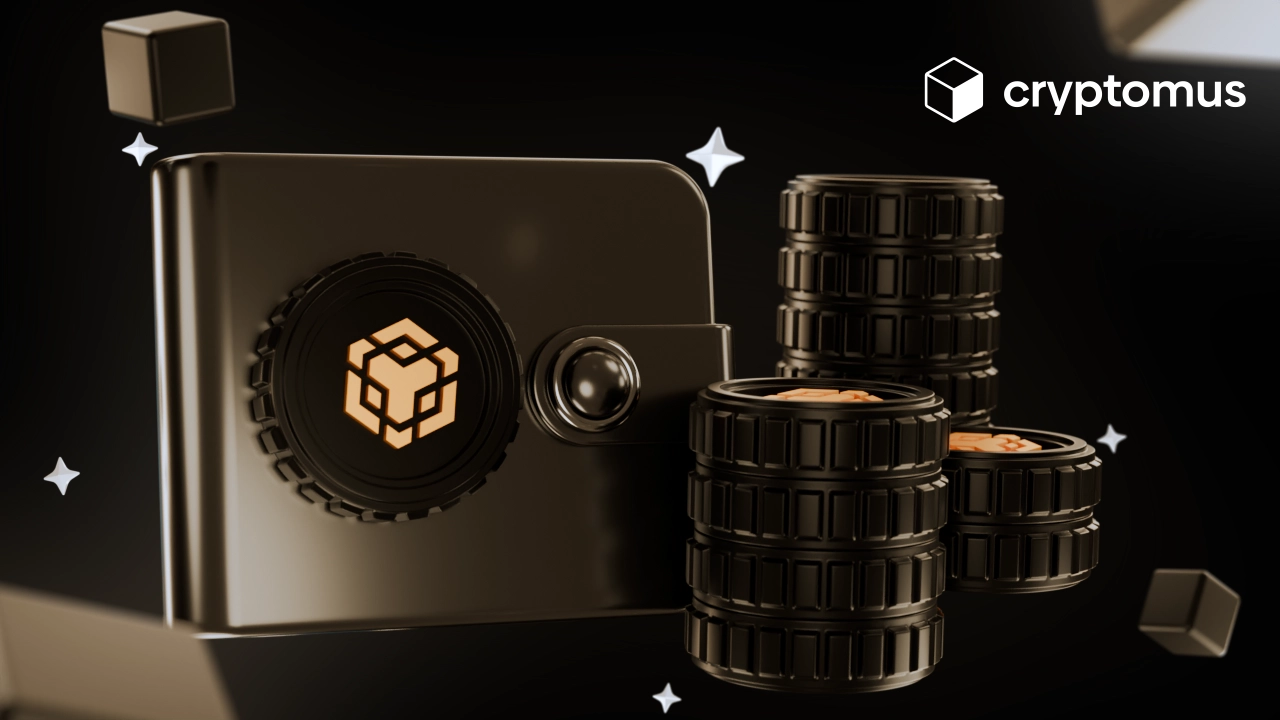
How to Create a BNB Wallet?
Of course, the steps of creating a wallet may differ according to the platform you’re using, but the process is still quite similar. There’s a guide on how to create a BNB wallet:
- Pick a wallet provider
- Create a new wallet
- Secure your wallet
- Pass KYC verification if it’s required
- Fund and manage your BNB tokens
When securing your wallet, make up a robust password and enable 2FA if the provider offers this option.
How to Send and Receive BNB Tokens
To get the BNB token, you need to complete several steps:
-
Open your wallet.
-
Go to the ‘Receive’ section.
-
Select BNB and share your wallet address or QR code with the sender.
-
Once they’ve sent the tokens, ask for the transaction hash to track the transfer on a blockchain explorer.
To send BNB tokens:
-
Open your wallet.
-
Go to the ‘Send’ section.
-
Enter the recipient’s address, select BNB, and specify the amount.
-
Make sure you have enough BNB to cover the network fee and review the transaction details and fees before confirming.
-
You’ll receive a transaction hash after sending, which can be used to track the transfer.
You should always prioritize a wallet with a strong security reputation and consider your technical expertise. It would also be wise to explore additional wallet functionality. Naturally, the choice will depend on your preferences and requirements. Cryptomus can be considered the best BNB wallet due to its ease of use and strong security measures. It also comes with a handy crypto converter and other financial features.
That was everything you needed to know to successfully create a BNB wallet. By choosing the right wallet provider and following robust security practices, you can safely manage your BNB.
We hope this guide was of use to you. Please send in your thoughts and questions below!

Simplify Your Crypto Journey
Want to store, send, accept, stake, or trade cryptocurrencies? With Cryptomus it's all possible — sign up and manage your cryptocurrency funds with our handy tools.
Get Started