

Julian Thorne
Crypto analyst and guide author. Making complex technologies clear for everyone.
How to Buy USDT with PayPal
Today, many people are used to using PayPal for online purchases and sending money to friends and family, so the question of how to convert a PayPal balance into USDT has become especially relevant. In this guide, we’ll explain how to do it safely and without unnecessary complications, taking into account all the rules and specifics of modern financial technologies.
What Is PayPal?
PayPal is an electronic wallet that can be linked to a bank card or bank account. It allows users to pay for purchases in international online stores, send money to other countries, or receive payments for work. Simply put, it’s a convenient financial hub that lets you manage your funds through an easy-to-use mobile app while maintaining a high level of security for every transaction.
Does PayPal Support USDT?
It’s important to clarify right away how PayPal treats different types of digital money. The platform is actively developing its cryptocurrency direction, but it does so very selectively. For example, within the PayPal app itself, you cannot buy USDT, as the system does not officially support this asset in its list.
Why is that? The reason is that PayPal has created its own digital currency called PayPal USD (or PYUSD). The company wants its users to work specifically with this asset. PayPal even offers various bonuses for using its “digital dollar.”
Although direct purchases of USDT on PayPal are not available, those who specifically need this asset can use third-party solutions such as P2P exchanges or other on-ramp services.
 Get your USDT wallet in 60 secondsStore, send, and swap USDT in a few taps with Cryptomus wallet. It’s fast, secure, and built for everyone. TRC-20 and ERC-20 supported
How to Buy USDT with PayPal?
Since it’s not possible to buy USDT directly through PayPal, it is possible to use a proven alternative—P2P trading. This method is similar to a traditional marketplace, where buying occurs directly between people. You find a seller, agree on a price, transfer money, and they send you USDT in return. In this process, the exchange acts as a guarantor, ensuring that neither party deceives the other.
Step 1:
The first thing you need to do is choose an exchange that supports P2P services. When selecting a platform, consider factors such as security, user reviews, and fee size. Make sure the exchange you choose supports PayPal as a payment method.
Step 2:
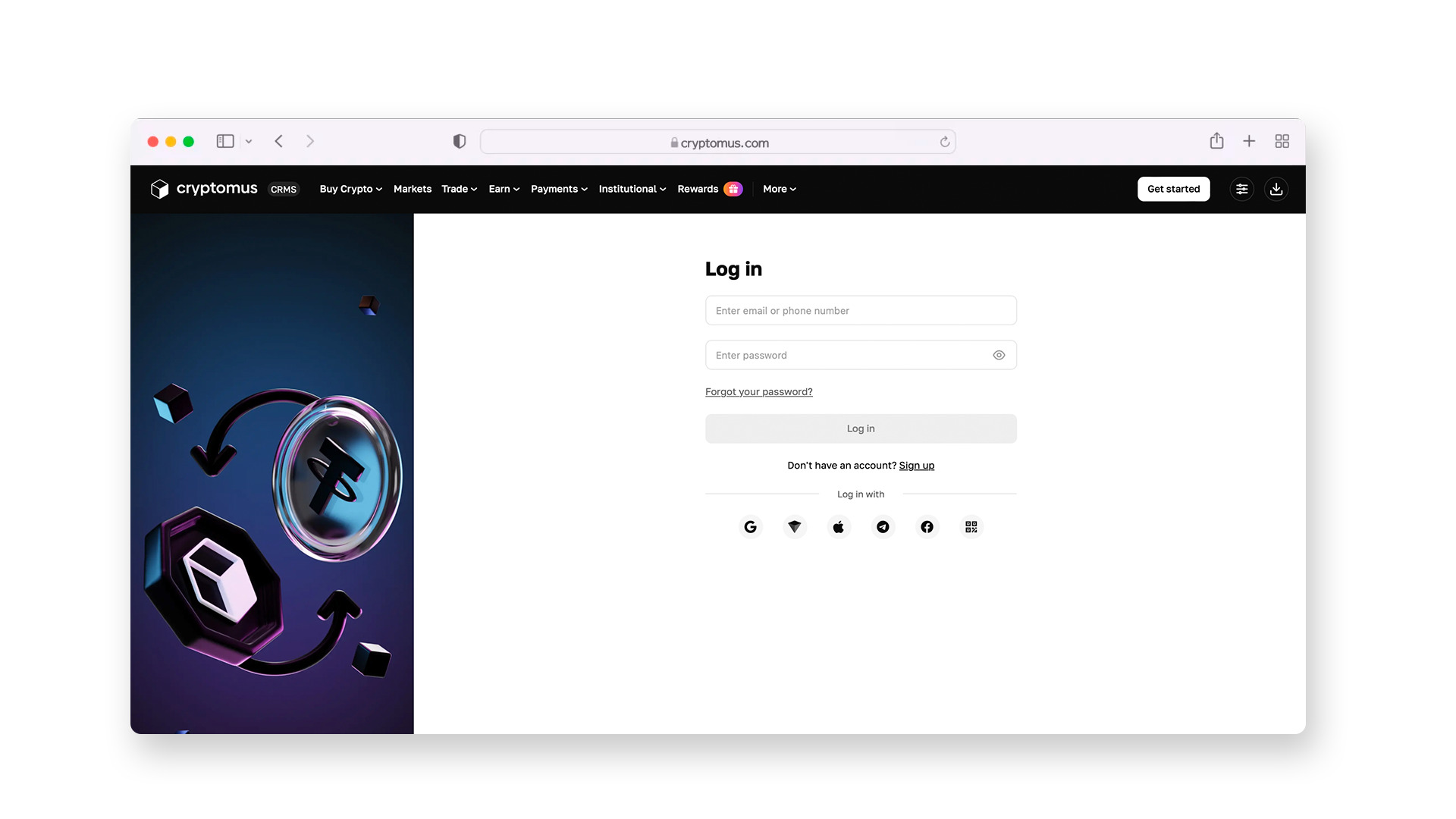
Next, register on the platform and create your account by providing your name, phone number, and email address.
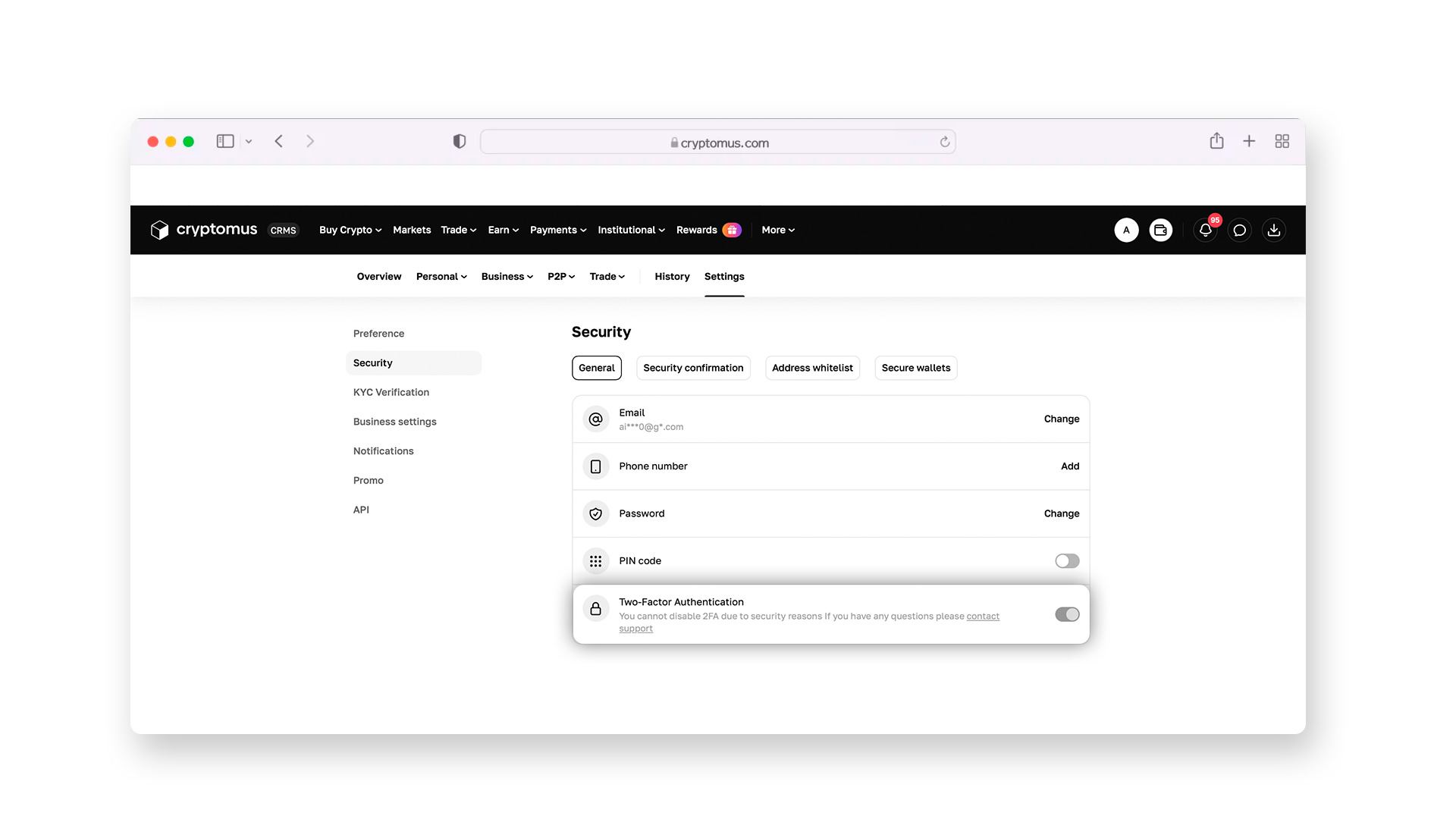
Then enable two-factor authentication (2FA). This is a special security setting where, to log in to your wallet or send funds, the system will require a one-time code from an app on your phone. This is extremely important: even if someone finds out your password, they won’t be able to steal your funds without access to your mobile device.
Step 3:
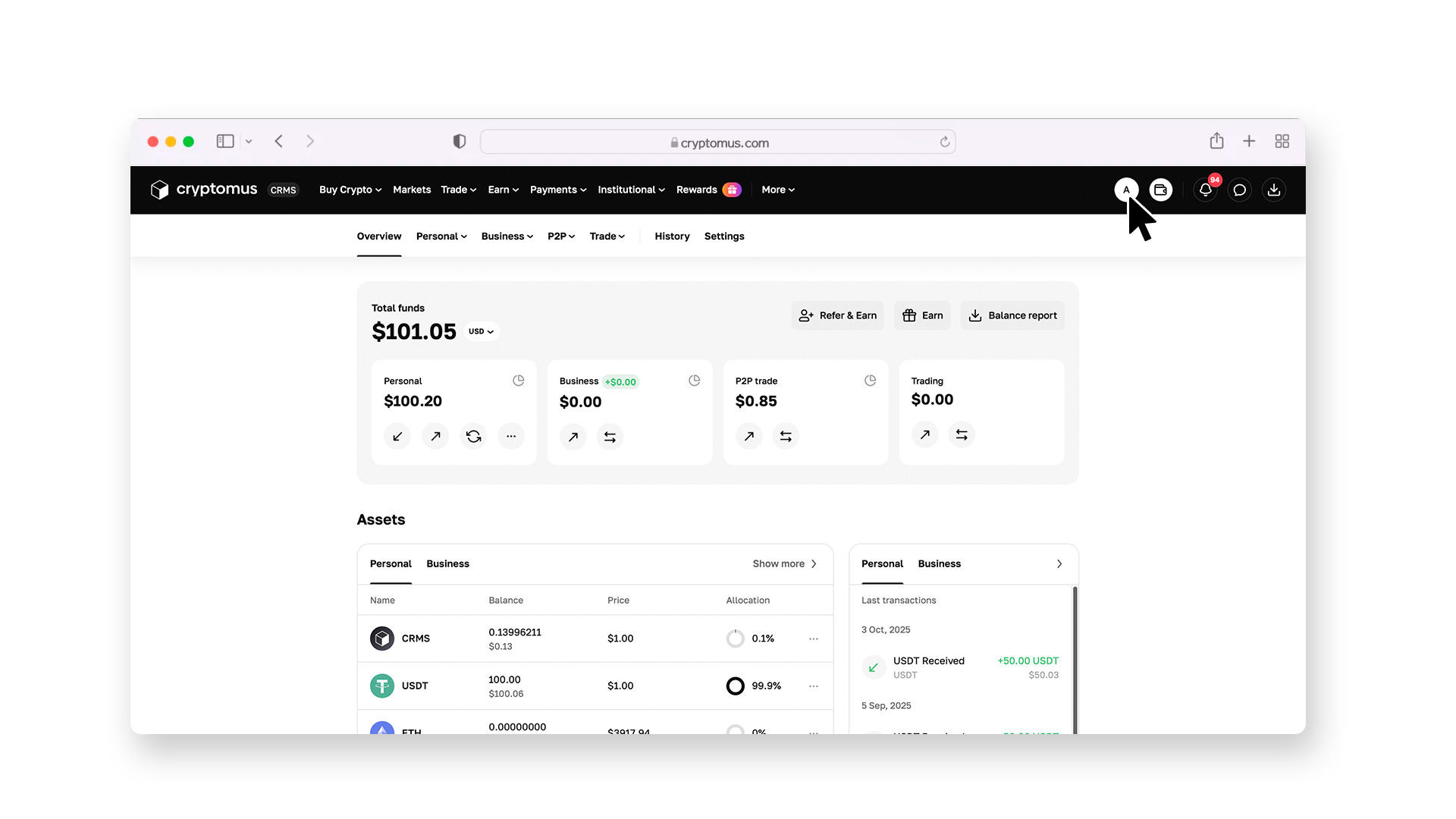
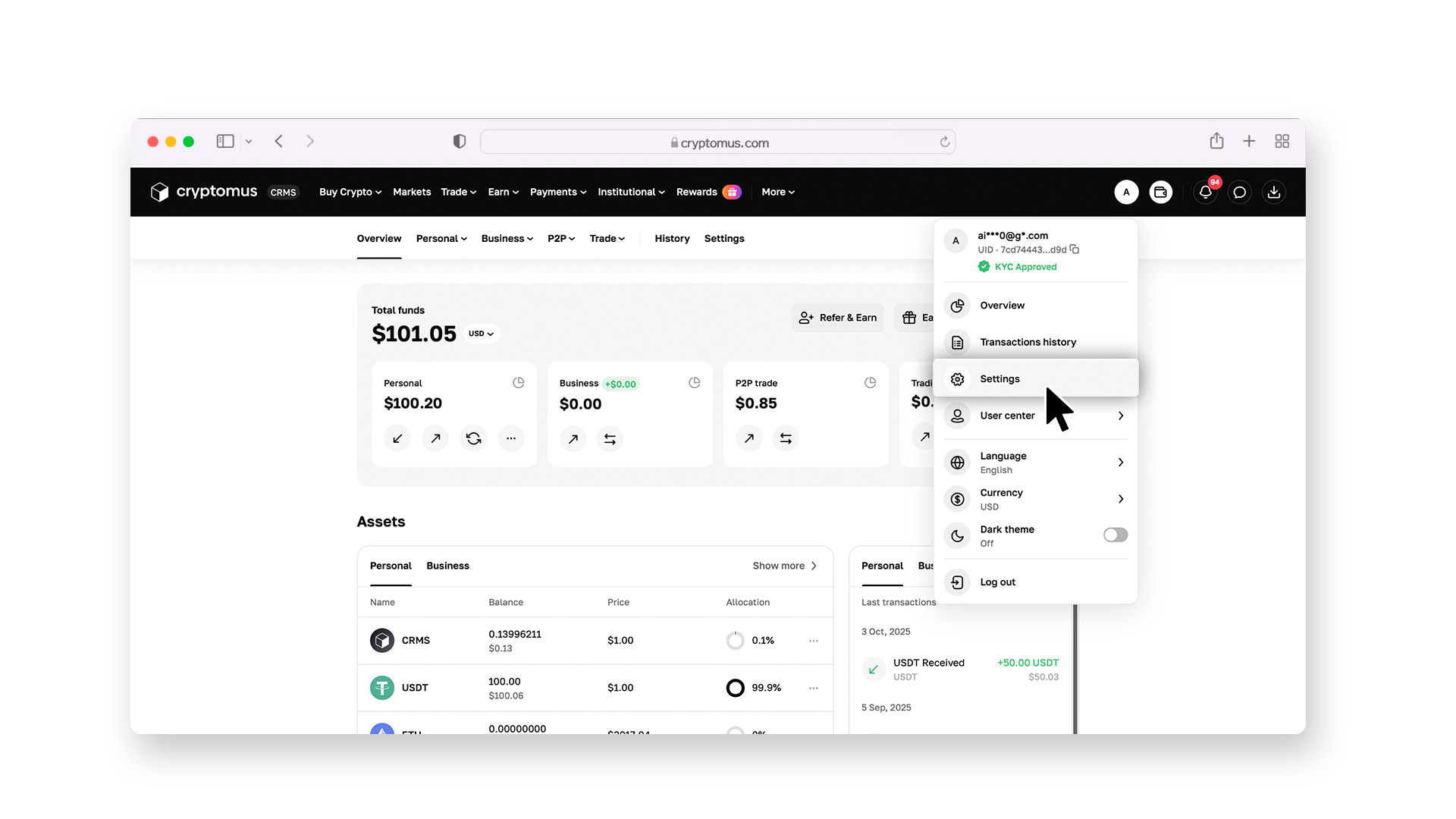
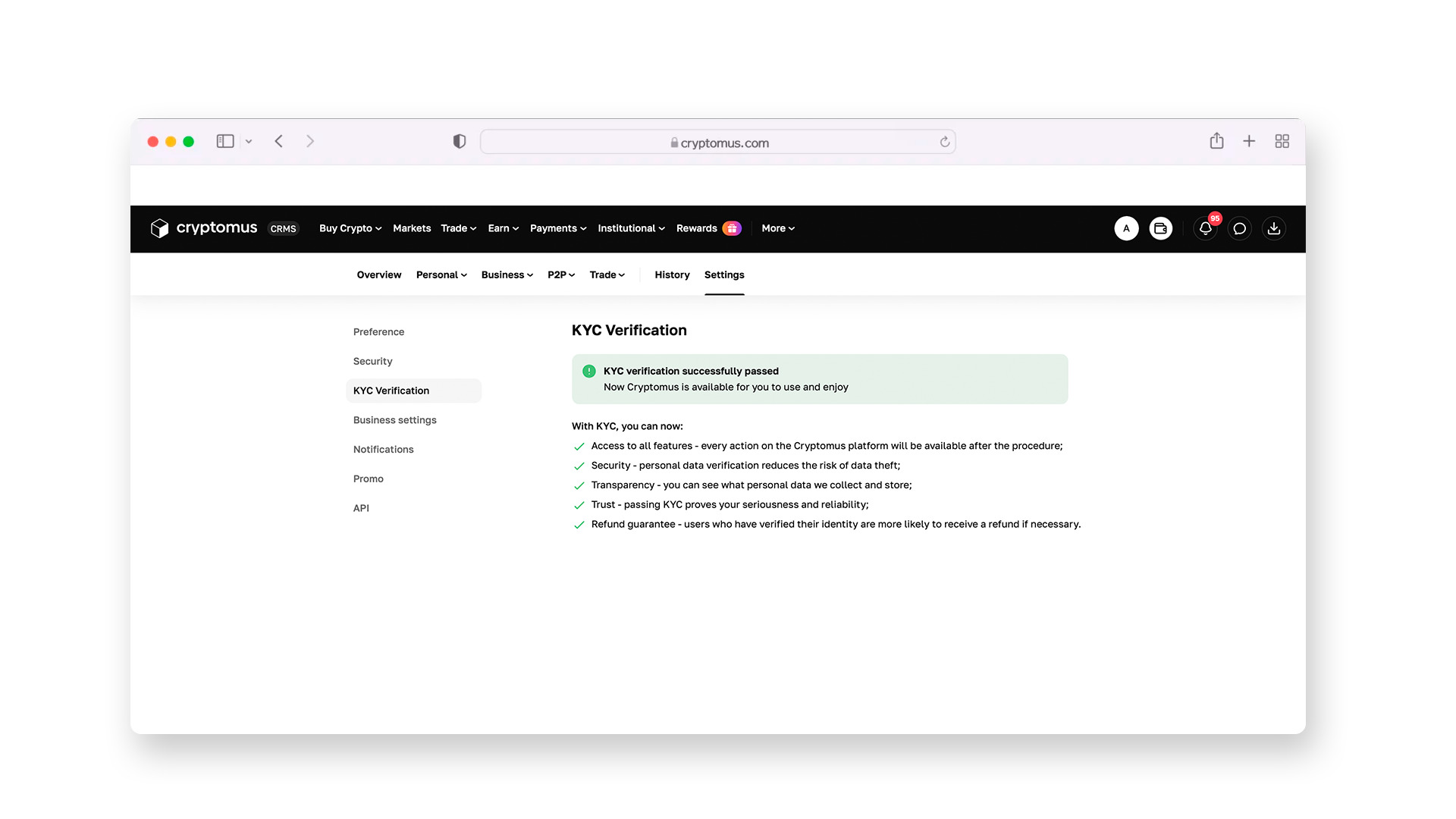
To trade on the exchange, you need to complete the verification (KYC) process. You’ll need to take a photo of your passport and a selfie directly in the app. The system will automatically verify that you’re a real person, not a computer program. After that, you’ll receive verified user status and be able to make transactions.
Step 4:
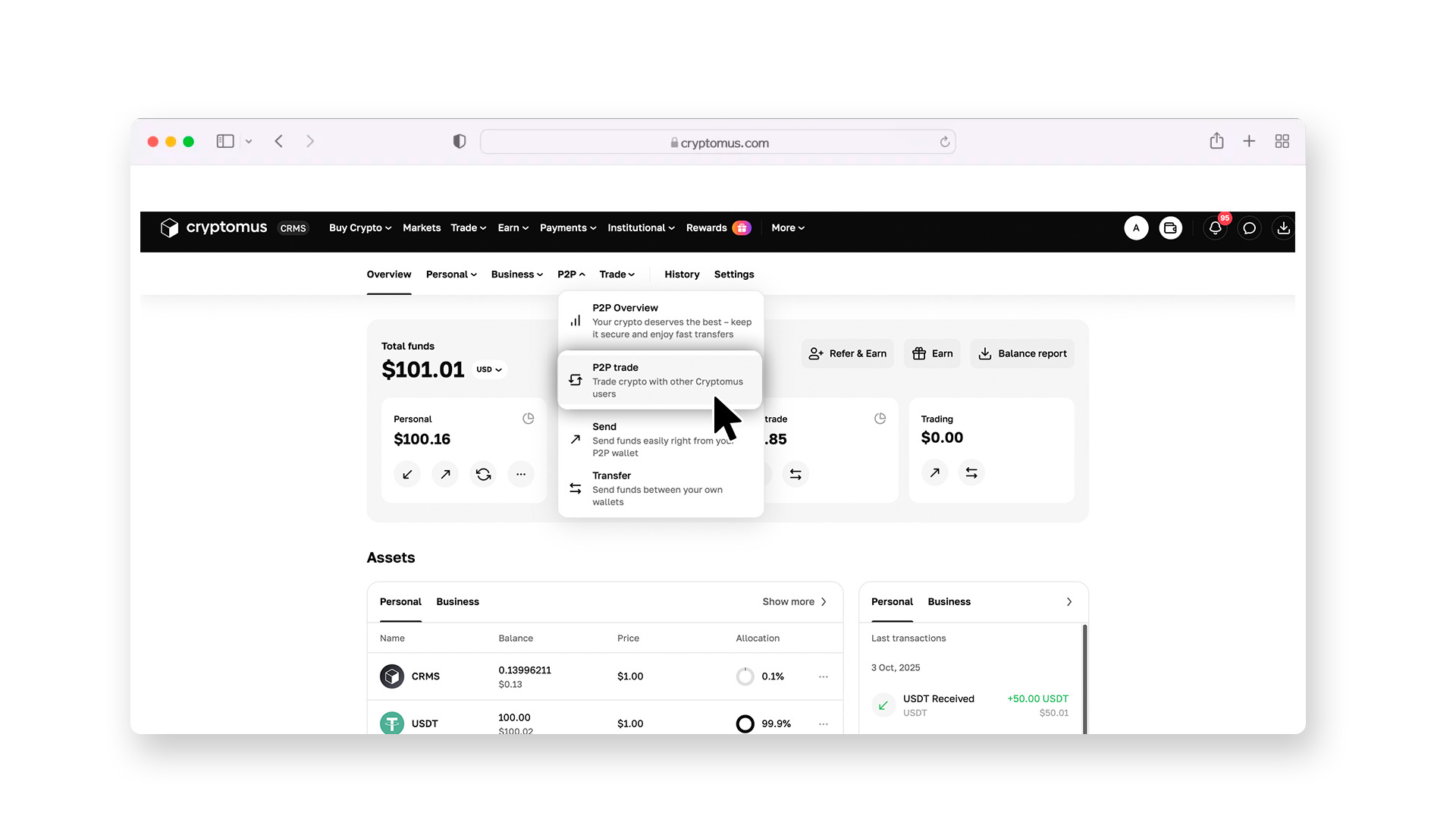
Go to the P2P section.
Here, you’ll see a list of offers from people selling cryptocurrency. To avoid confusion, set up filters: specify that you want to buy USDT, choose your currency (for example, USD), and select PayPal as the payment method.
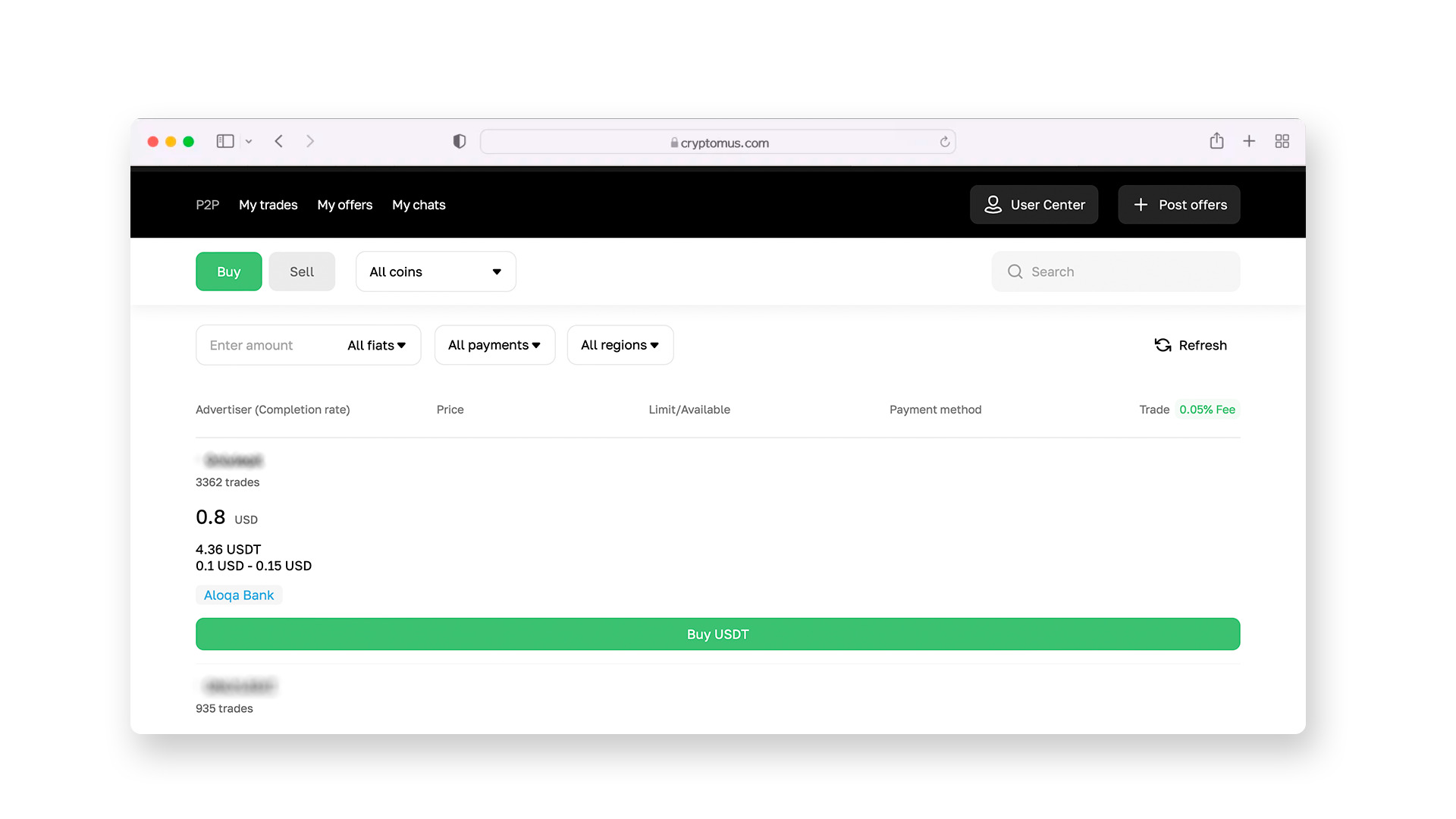
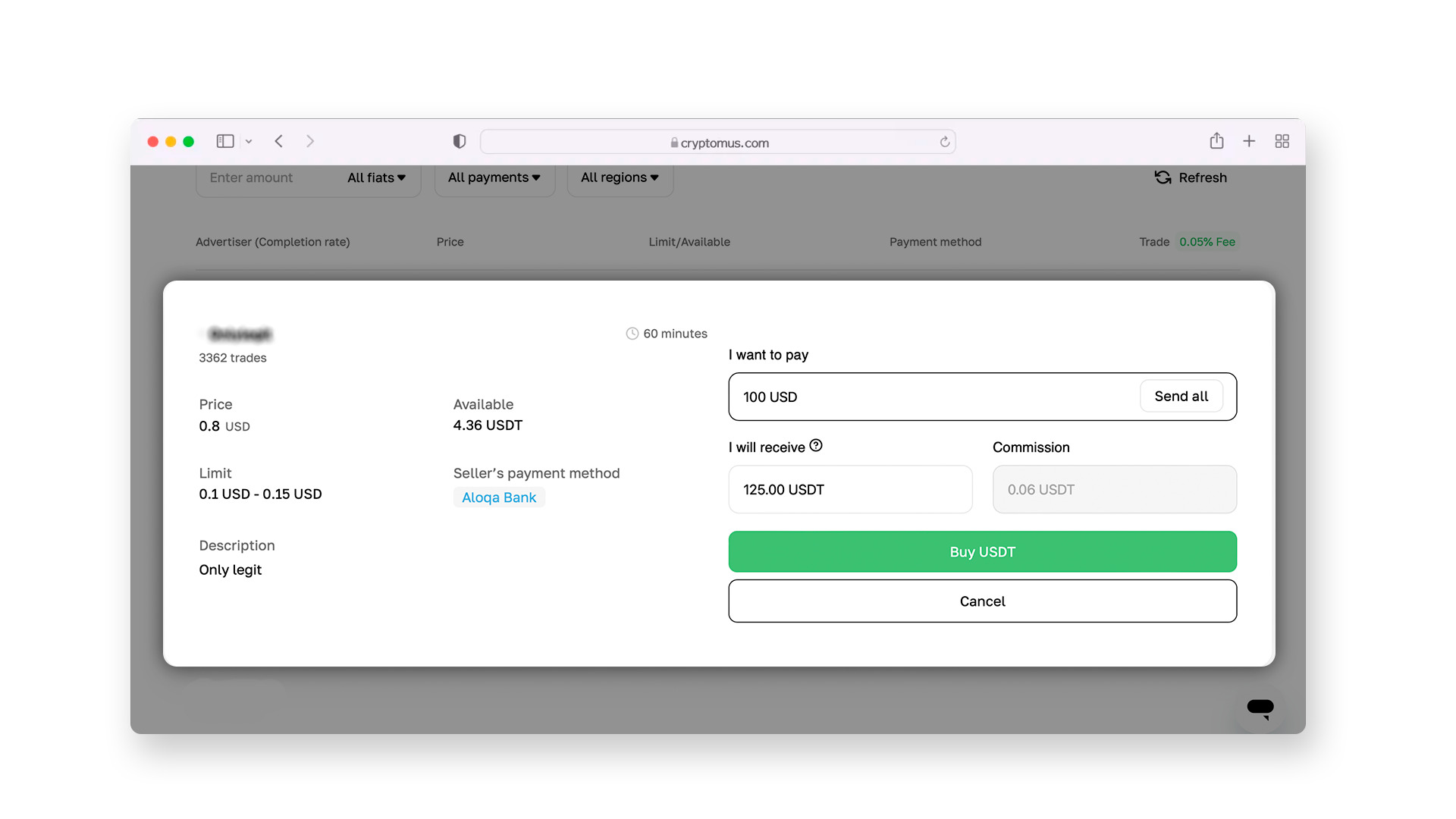
When choosing a seller, don’t focus only on the exchange rate—also check their reputation. A good seller is one who has completed more than 90% of their deals and has positive feedback from other users.
Step 5:
Once you choose a seller and click the “Buy” button, the exchange will automatically lock the required amount of USDT in the seller’s account. This is called the escrow system. The seller won’t be able to withdraw their coins until the transaction is completed, which fully protects you from fraud.
After this, you will be able to contact the seller in a chat, where you can discuss the terms of the transaction. The seller must provide you with an email address, phone number, or their PayPal username to complete the transfer through PayPal.
Step 6:
After you’ve sent the money via PayPal, be sure to take a screenshot of the payment receipt. Return to the Cryptomus page and click the “I have paid” button. As soon as the seller sees the funds in their account and confirms receipt, the USDT will be instantly credited to your exchange wallet.
How to Send USDT?
Now that you have USDT in your wallet, you can either store it there or send it to someone else. The process of sending funds on the Cryptomus exchange looks like this:
1. Get the recipient’s address. Ask the person to send you their wallet address, and be sure to clarify which network it uses.
2. Go to your wallet. In your personal Cryptomus wallet, find and click the “Send” button.
3. Enter the details. Select USDT to send. Paste the copied address into the appropriate field. Be careful: there are viruses that can replace the address at the moment of copying. Always check the first and last 5 characters of the address after pasting it.
4. Choose the network. Specify exactly the network you agreed on with the recipient (for example, Tron for TRC-20 or Ethereum for ERC-20).
5. Enter the amount. Remember that a network fee will be deducted from the amount. For example, if the recipient needs to receive exactly 100 USDT and the network fee is 1 USDT, you’ll need to send 101 USDT.
6. Confirm the transfer. Enter the code from your security app (2FA) that will be sent to your phone. After that, the transaction will be processed. To ensure everything goes smoothly, always follow three simple rules: enable maximum account security, carefully choose sellers with a good reputation, and always double-check the network and address before sending coins. With this approach, buying cryptocurrency will become a simple and safe everyday operation for you.
Buying USDT with funds stored in PayPal is not difficult at all. The key is understanding that PayPal and the blockchainTether represent different financial ecosystems that don’t directly interact with each other. Using P2P platforms becomes the bridge that connects the convenience of familiar payment systems with the opportunities of modern digital assets.
We hope this article helped you understand how to buy USDT with PayPal. If you still have any questions, feel free to ask them in the comments!


