

Julian Thorne
Crypto analyst and guide author. Making complex technologies clear for everyone.
How to Buy USDT with M-Pesa?
M-Pesa is a leading African mobile payment system that has gained popularity due to its accessibility and security. Today, it is not only used for everyday transactions but also as a convenient bridge to enter the world of cryptocurrencies such as USDT. In this guide, we will explain how to make purchasing digital assets easy and secure.
What Is M-Pesa?
M-Pesa (from "M"—mobile and "Pesa"—money in Swahili) is a mobile payment service launched by Safaricom. It is a system that allows users to deposit, withdraw, and transfer money, as well as pay bills directly from their mobile phones without needing a traditional bank account. All transactions are tied to a phone number and are protected by a PIN code, making M-Pesa considered the most secure service in Africa.
How to Buy USDT with M-Pesa?
It is not possible to directly buy cryptocurrency through the official app, as M-Pesa is not integrated directly with blockchain networks. However, it can serve as a payment method on P2P platforms or other services for purchasing cryptocurrency. In this case, M-Pesa acts as a channel to transfer funds to the seller.
In this article, we will explain the most popular method—using a P2P platform. The process works as follows: you find a seller who accepts payment via M-Pesa and transfer funds to them. The exchange acts as an escrow service, blocking the seller's coins until they confirm receipt of your payment.
Step 1:
Choose a reliable P2P exchange, checking its security and fees. Make sure M-Pesa payment is available.
For example, the Cryptomus platform offers a modern interface and one of the lowest fees in the market—just 0.1%. It supports 20 coins and 560 payment methods, including M-Pesa.
Step 2:
Register on the exchange by providing your name, email, and phone number.
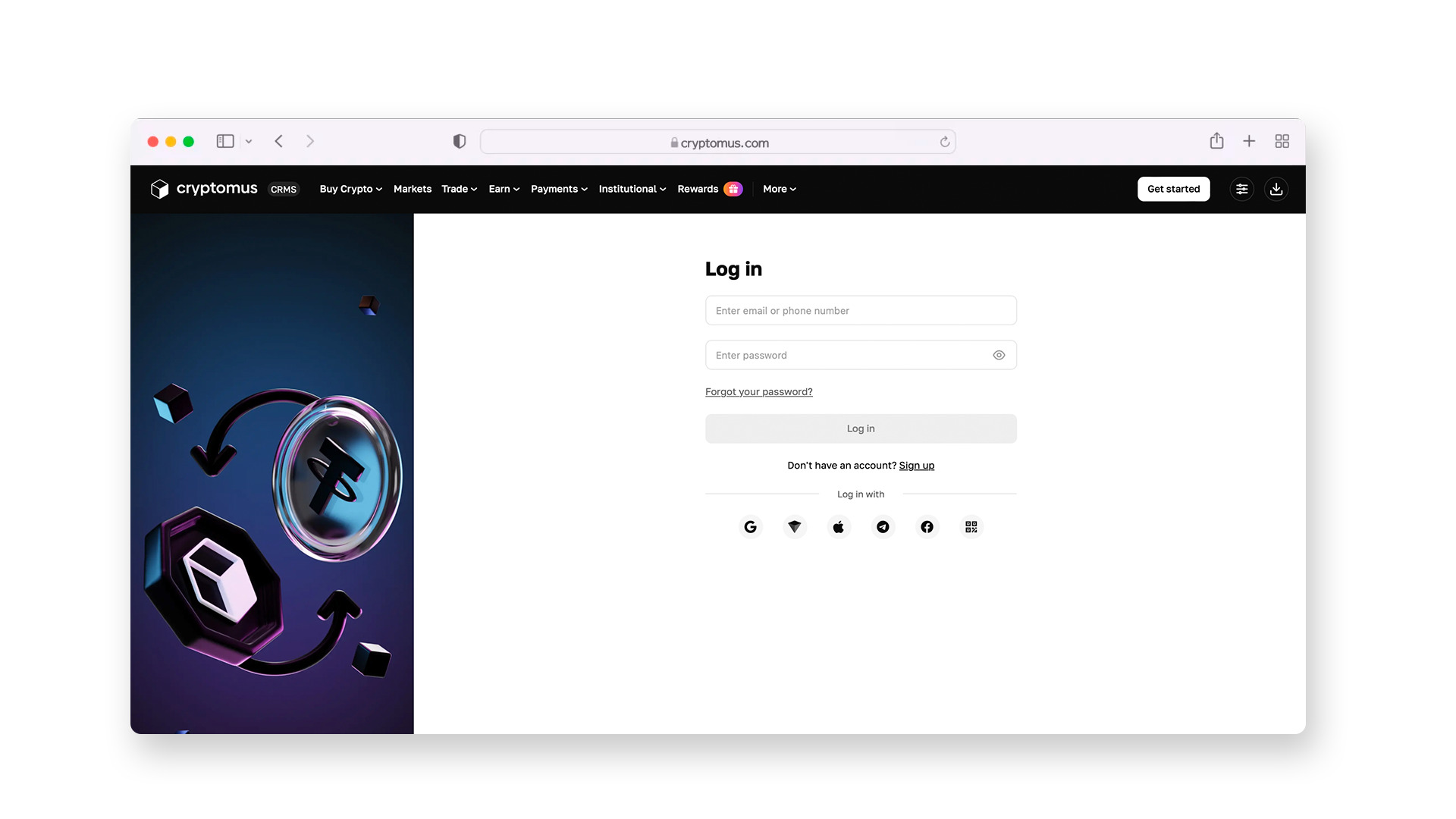
Be sure to enable two-factor authentication (2FA) to secure your account. This adds an extra layer of security: even if someone knows your password, they won’t be able to log into your account without the temporary code from your app.
Step 3:
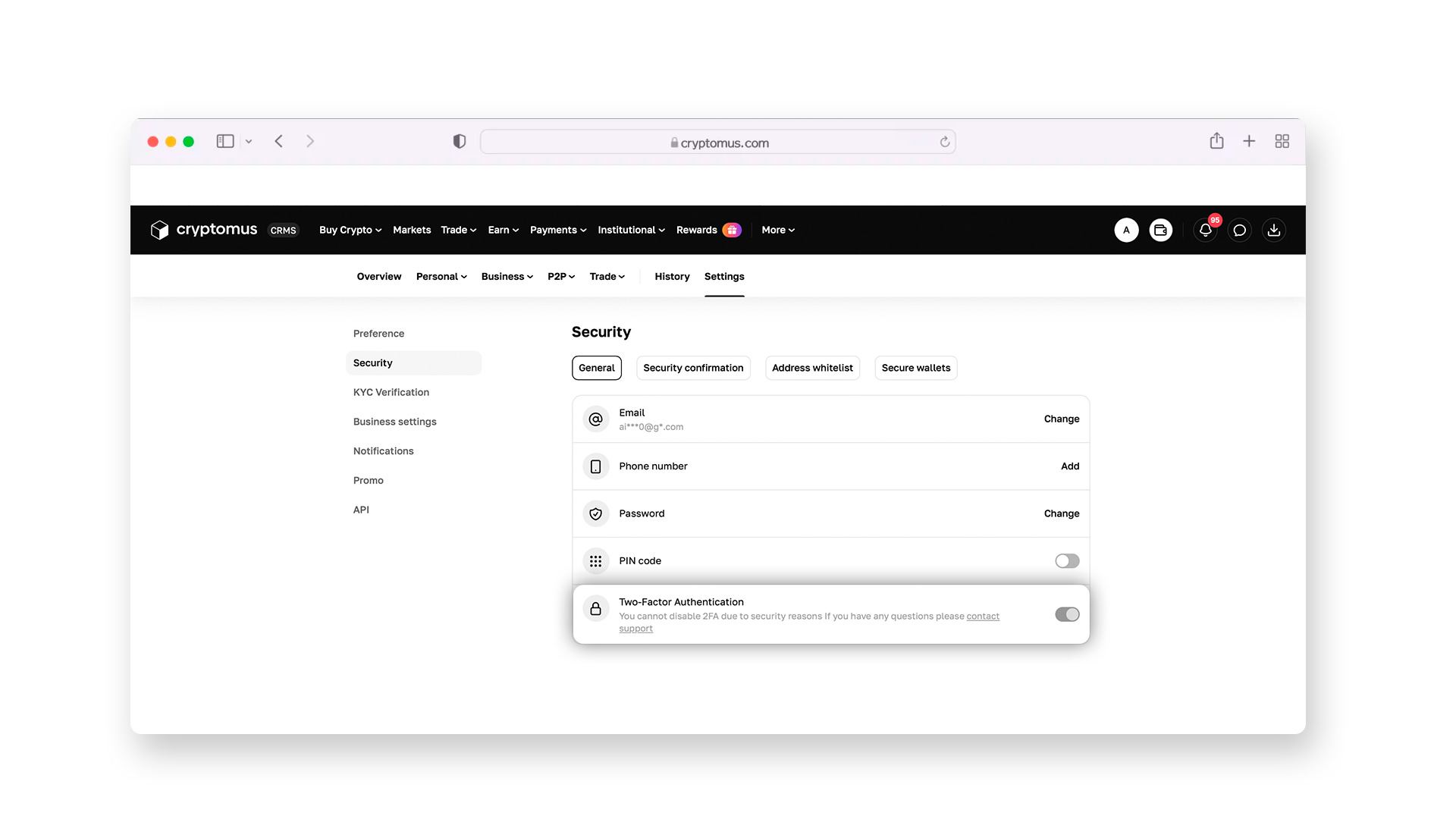
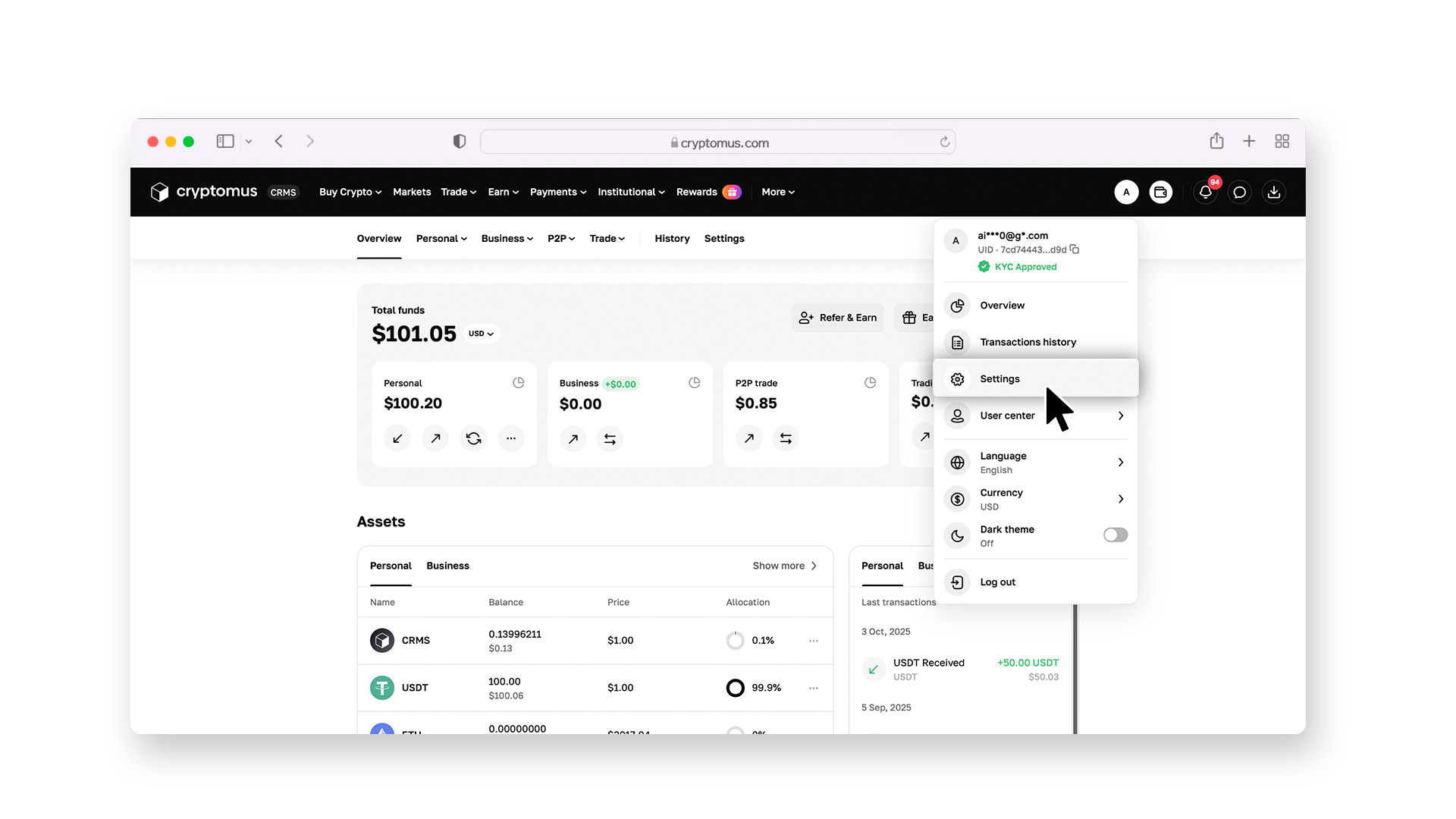
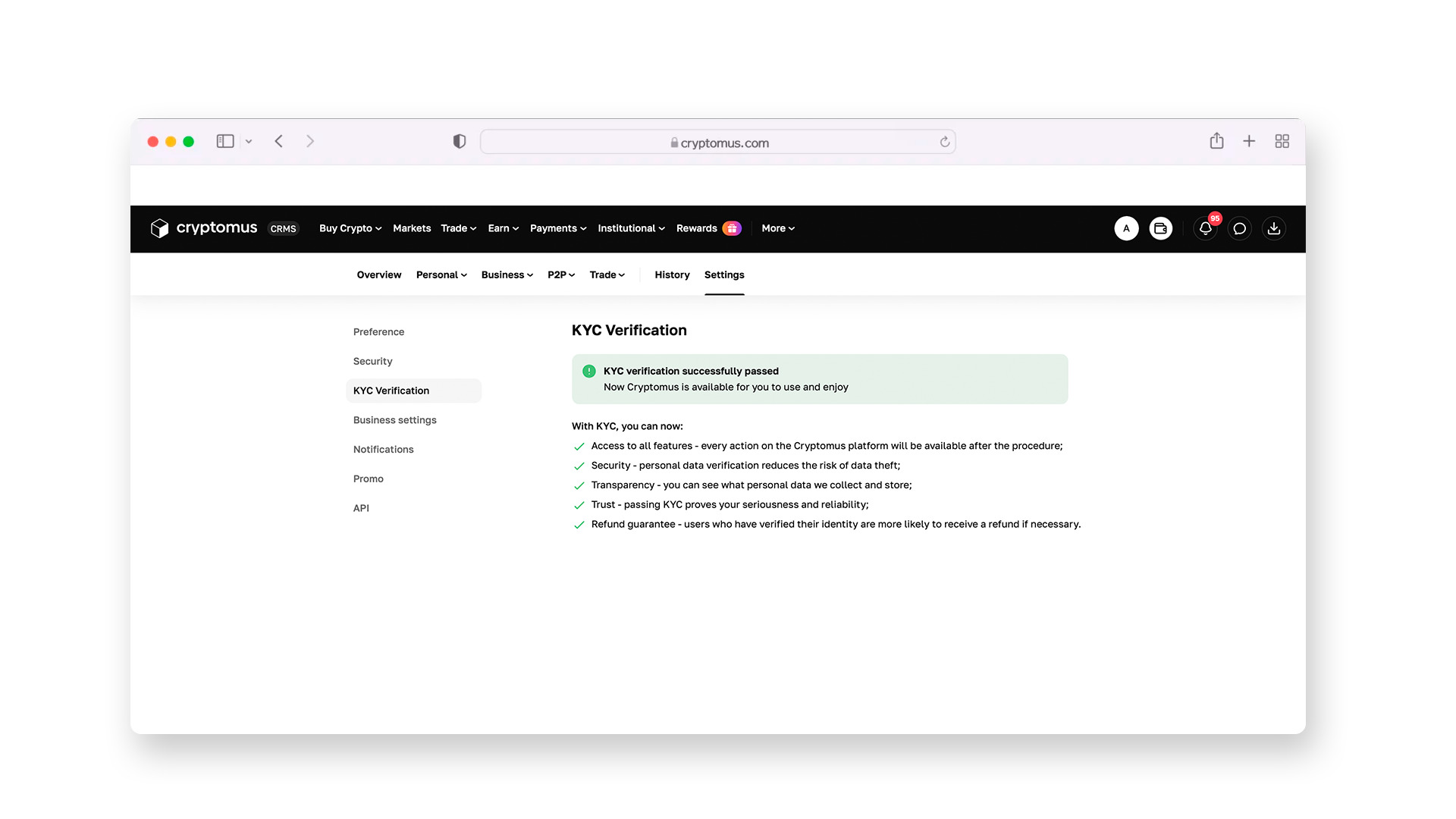
Go through the KYC verification by uploading a photo of your ID and taking a selfie.
This is a standard procedure, after which you will have access to all trading features of the platform.
Step 4:
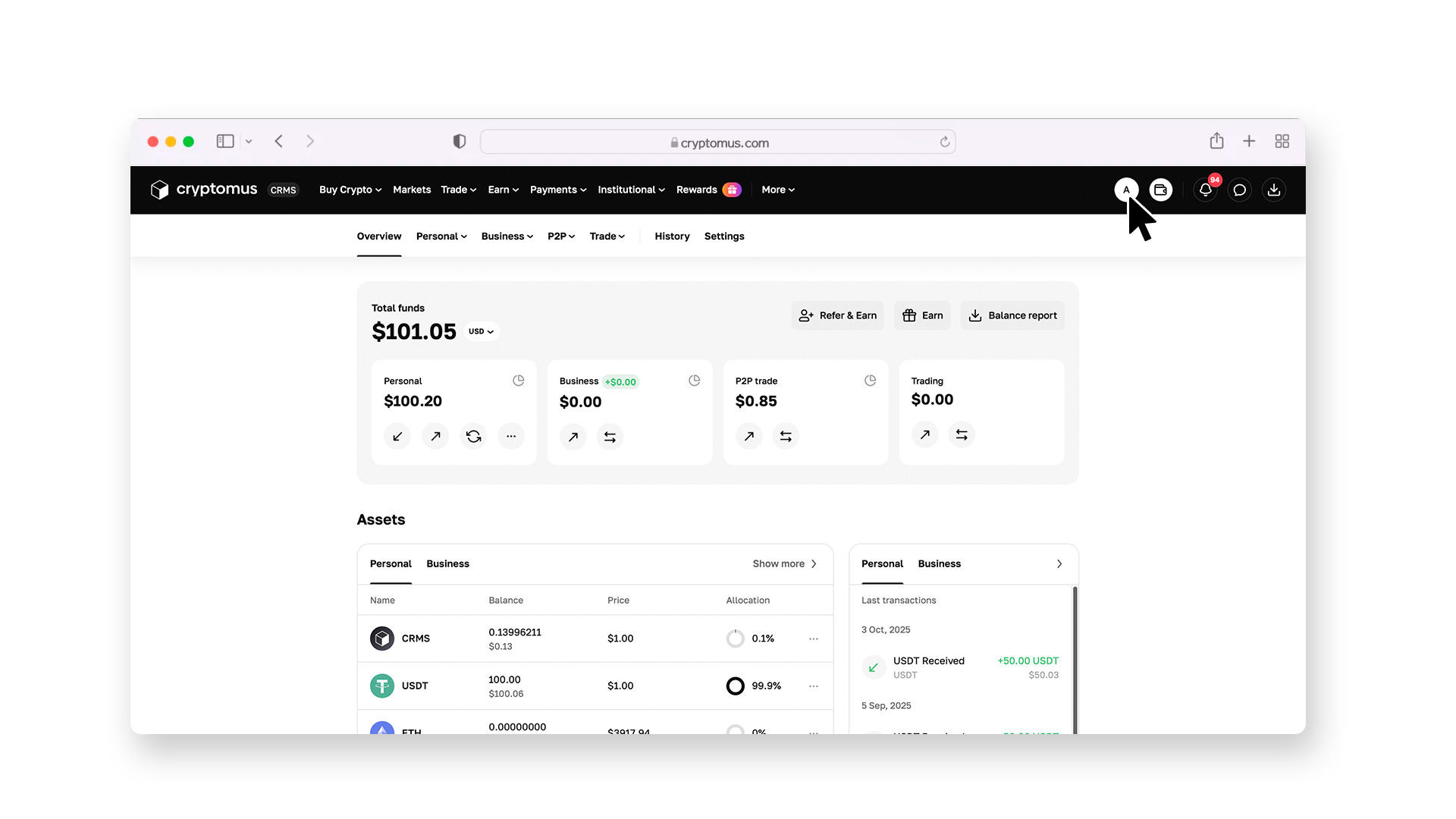
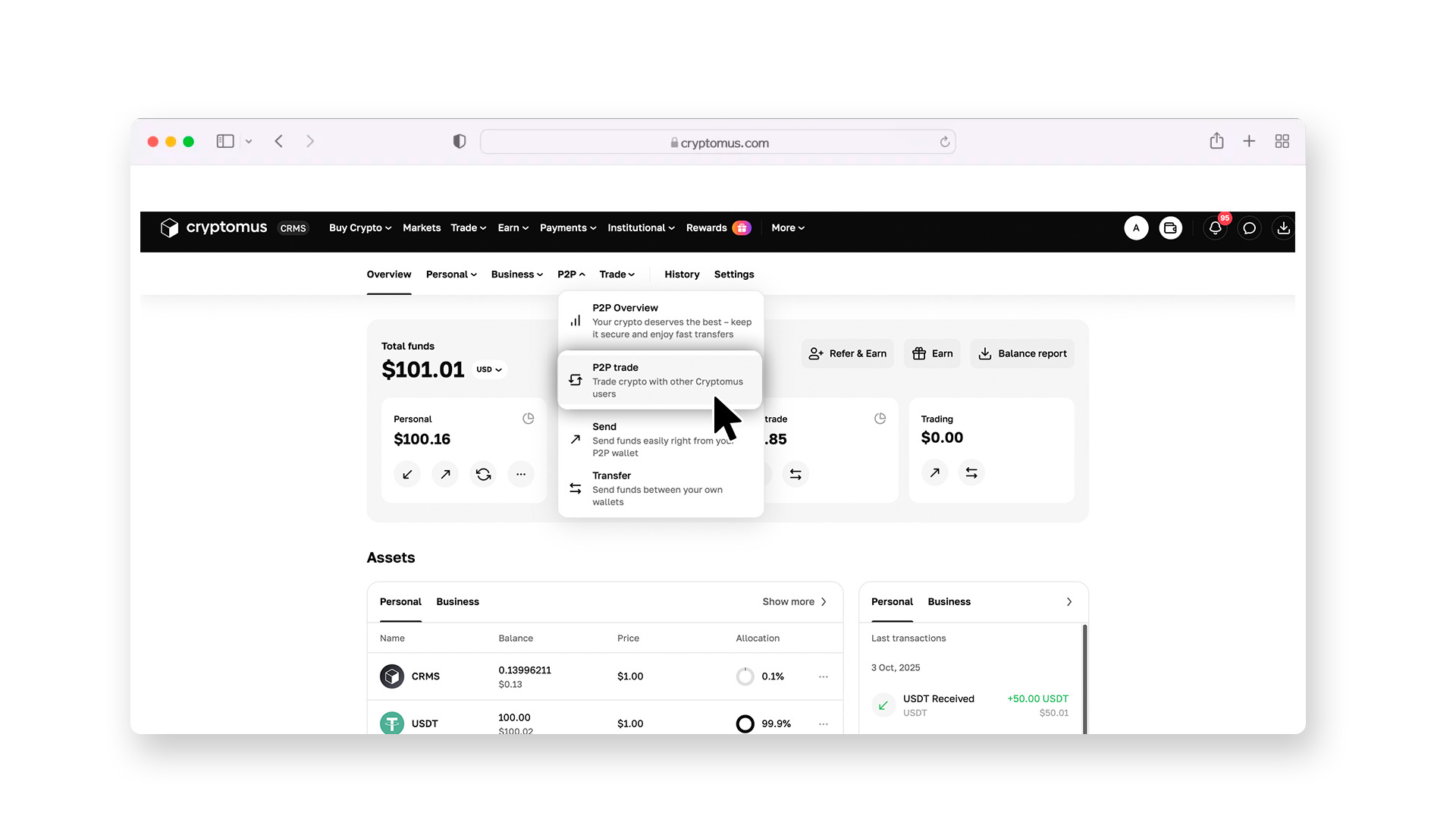
Go to the P2P section.
Set up filters: choose to buy USDT, specify your currency (e.g., KES), and select M-Pesa as the payment method.
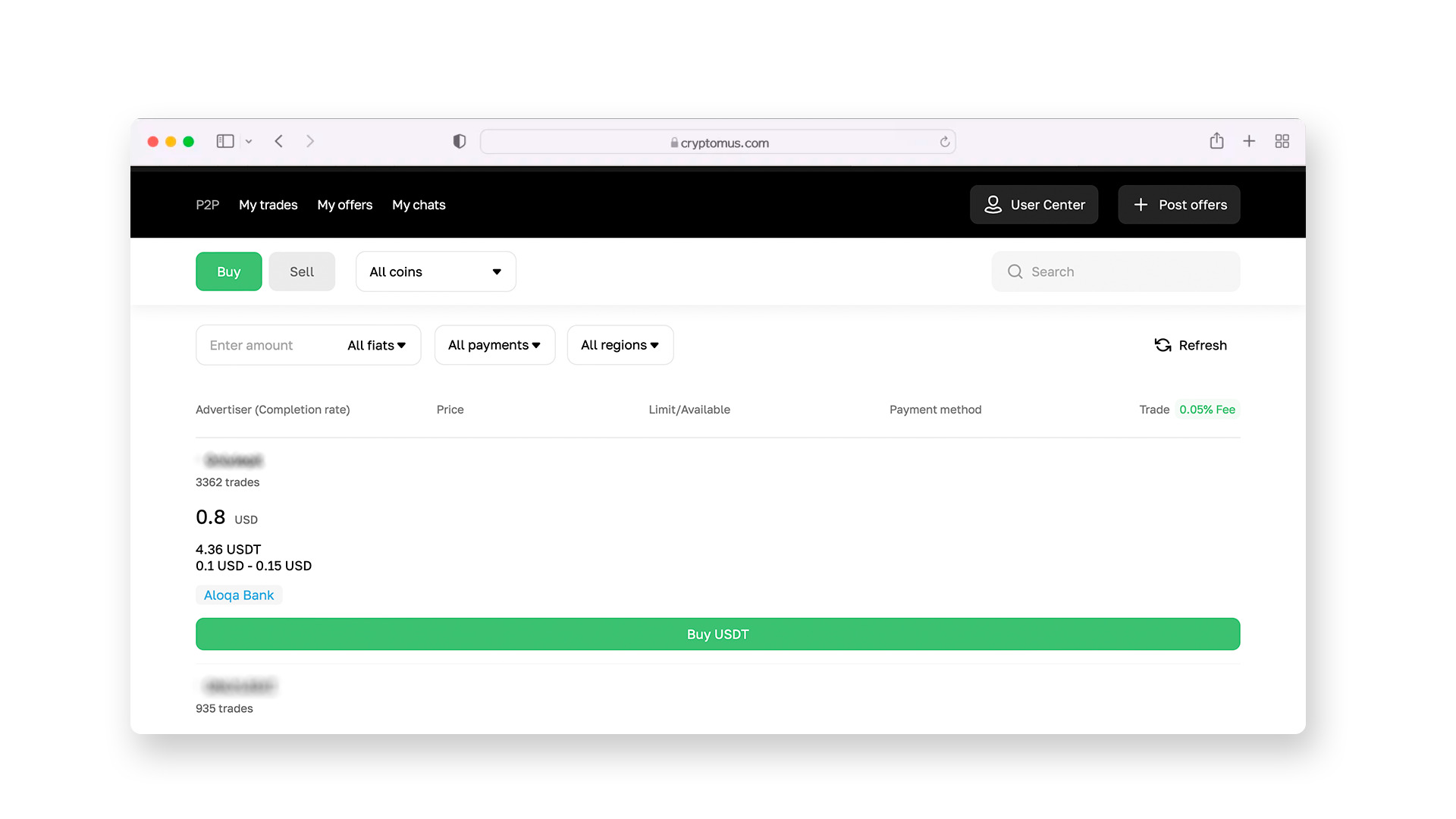
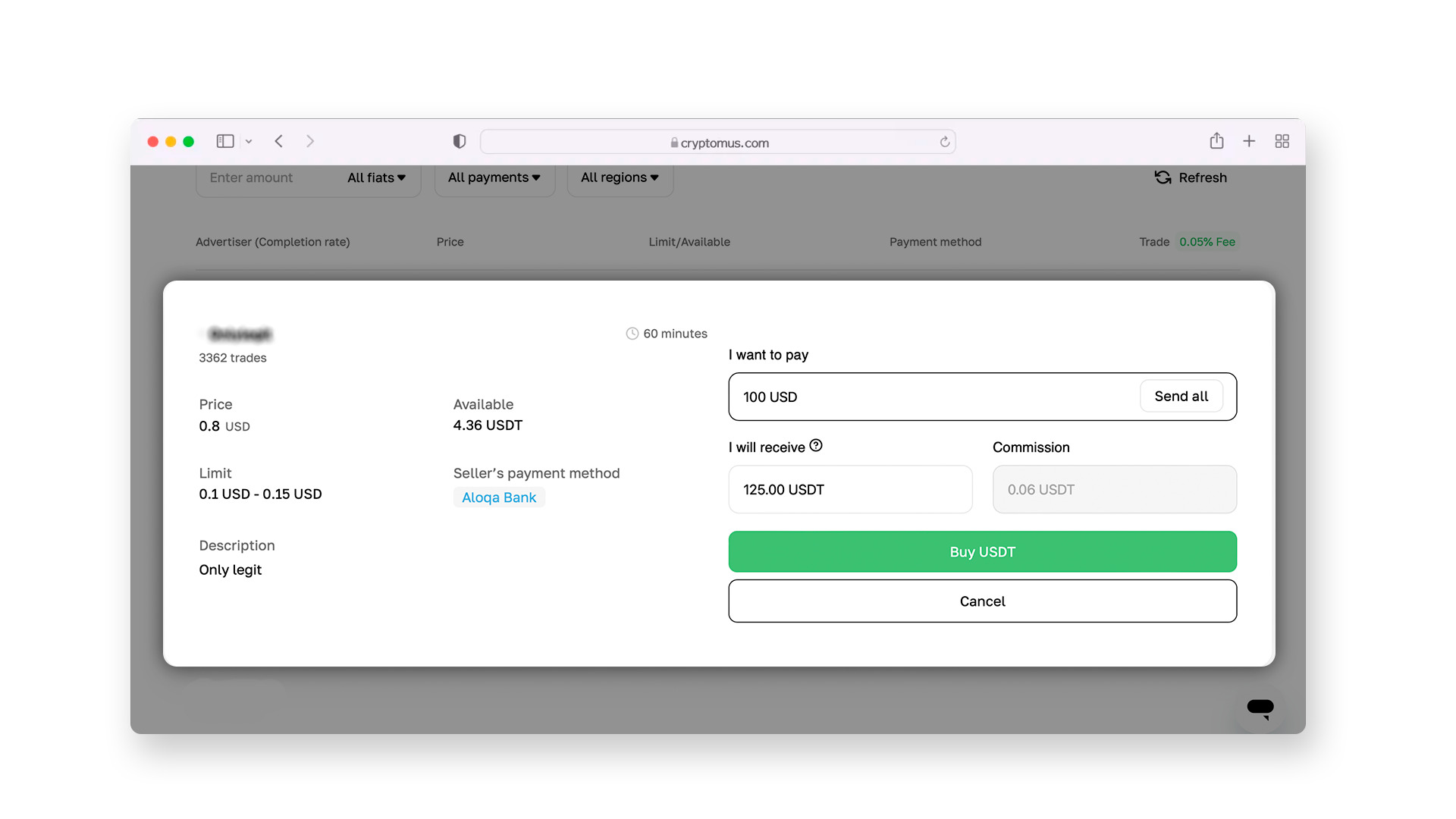
In the list of offers, try to choose sellers with a high completion rating (90% and above).
Step 5:
Once you choose a suitable offer, a chat with the seller will open where you can discuss the deal details. The seller will provide payment details, such as a phone number for direct transfer, a Paybill number, or a Till number. Once you start the purchase, the escrow system will block the USDT in the seller’s account. This ensures that you will receive the cryptocurrency as soon as the payment is confirmed.
Step 6:
Open M-Pesa on your phone (via the app or by dialing * 334 #), select "Send Money," and enter the recipient's details. After making the transfer, click "I paid" on the P2P platform. Once the seller confirms the receipt of funds, USDT will be instantly credited to your wallet.
 Get your USDT wallet in 60 secondsStore, send, and swap USDT in a few taps with Cryptomus wallet. It’s fast, secure, and built for everyone. TRC-20 and ERC-20 supported
How to Send USDT?
After purchasing, you can store USDT or transfer it to another user. To send USDT from the Cryptomus platform, follow these steps:
1. Prepare the details. Ask the recipient for their wallet address and the network they are using.
2. Go to the wallet. In your personal Cryptomus wallet, select the "Send" option.
3. Enter the address. Paste the recipient’s address. It’s recommended to double-check the first and last few characters to avoid errors while copying.
4. Choose the network. It is very important to select the same network as the recipient’s (e.g., TRON or Ethereum). A network error will result in loss of funds.
5. Enter the amount. Specify the amount of USDT. The Cryptomus system will automatically calculate the network fee, and you will see the final amount before confirming the transaction.
6. Confirm the transaction. Enter your 2FA code to complete the transfer. After that, the system will send your funds.
Always remember the three main rules: activate all security measures, only work with trusted sellers, and carefully verify the details before sending coins. By following these guidelines, using USDT with your M-Pesa wallet will be as convenient and secure as regular money transfers.
Although M-Pesa and blockchain operate on different technologies, their integration through P2P services allows users to enjoy the benefits of digital assets while maintaining the familiar convenience of mobile payments.
We hope this material was helpful. If you have any questions, feel free to ask them in the comments!


